Models you can explore
Numerical simulations, geometric constructions and algorithm visualisations respond to your input. Individual modules use different models, approximations and visual scales.
Interactive science & visual mathematics
Explore physics, mathematics and astronomy through interactive simulations. Change a parameter. Follow the motion. See what the model predicts.
Explore the suitesPhysics & Math available for Windows
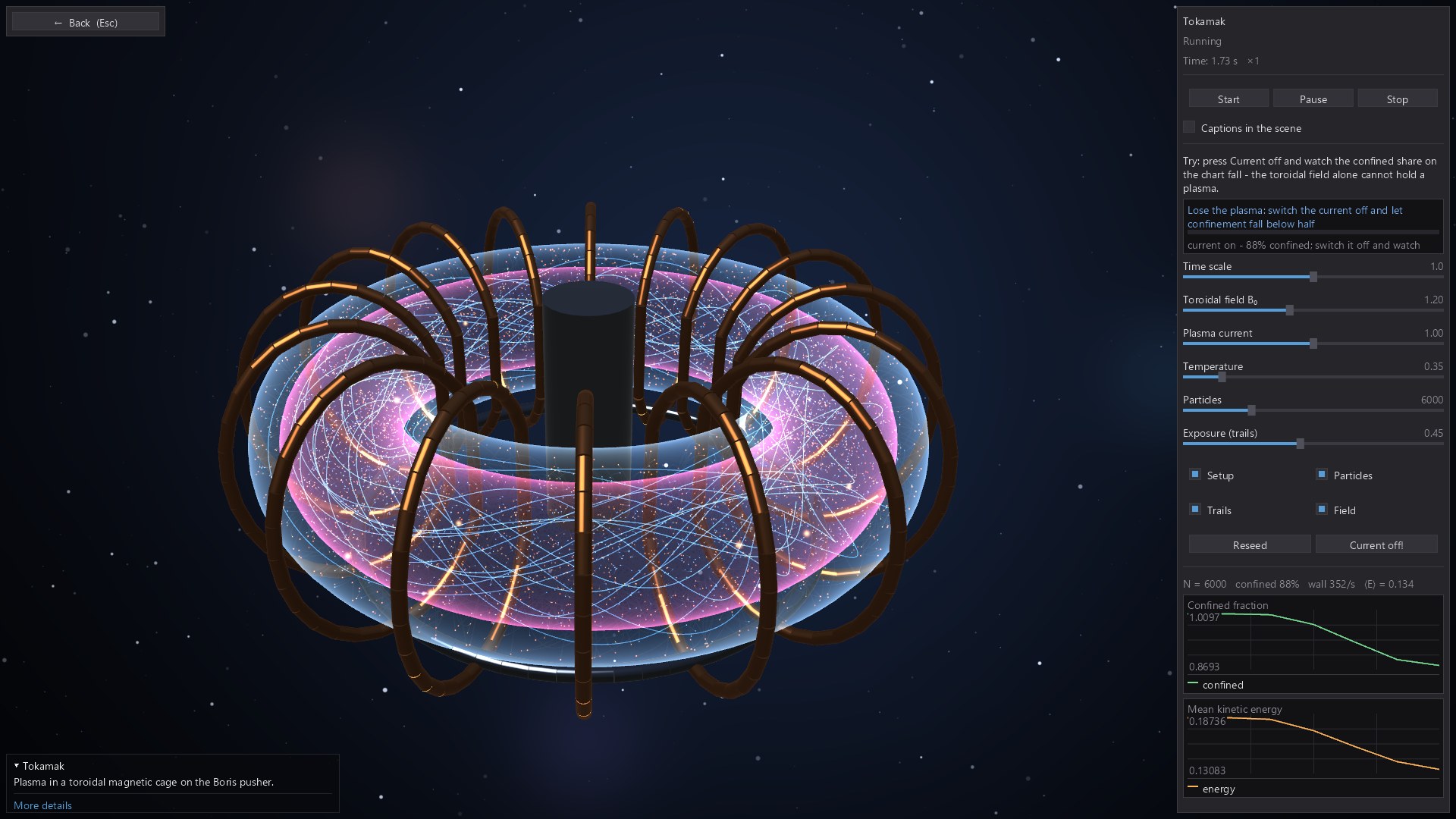
One idea: understanding through interaction.
Made for the curious
These are desktop experiments to explore at your own pace. Use them for a lesson, a demonstration, a visual explanation or an evening of “what happens if…?”
Open a topic that catches your eye, from magnetic confinement to a four-dimensional shape.
Adjust the available parameters, rotate the scene or try a different starting condition.
Use the accompanying plots, measurements and explanations to connect the picture with the idea.
01 / The physical world
140 interactive modules
An interactive physics lab for exploring mechanics, waves, optics, electromagnetism, quantum phenomena, fluids and thermodynamics. Move between 3D apparatus, particle systems, field visualisations and live graphs.
Change a field, alter a mass or disturb a wave, then compare what you see with the measurements. A scene becomes a question you can investigate, whether you are revisiting a familiar idea or encountering it for the first time.
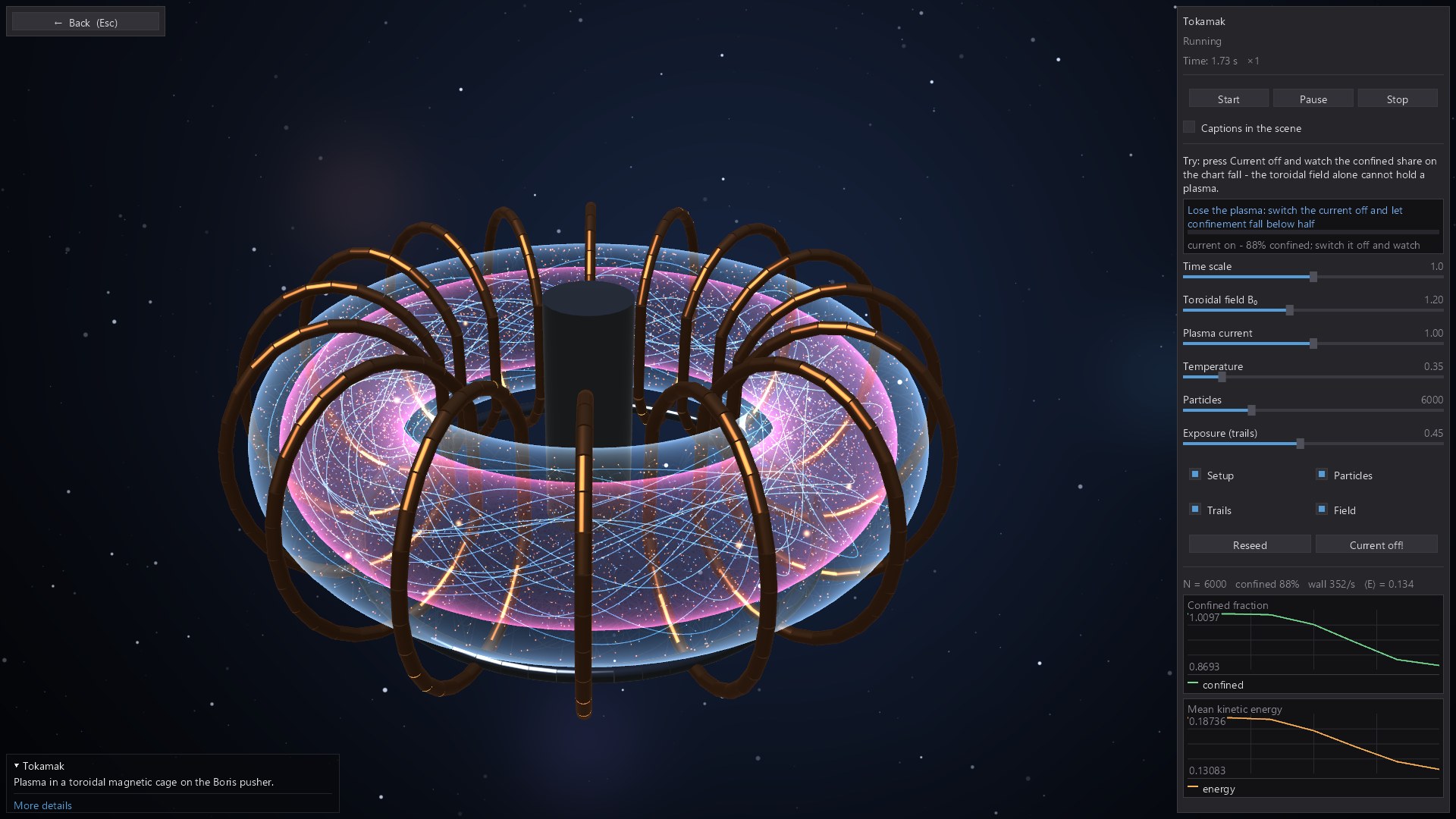
Try the tokamak: switch off the plasma current and watch how the particle confinement changes.
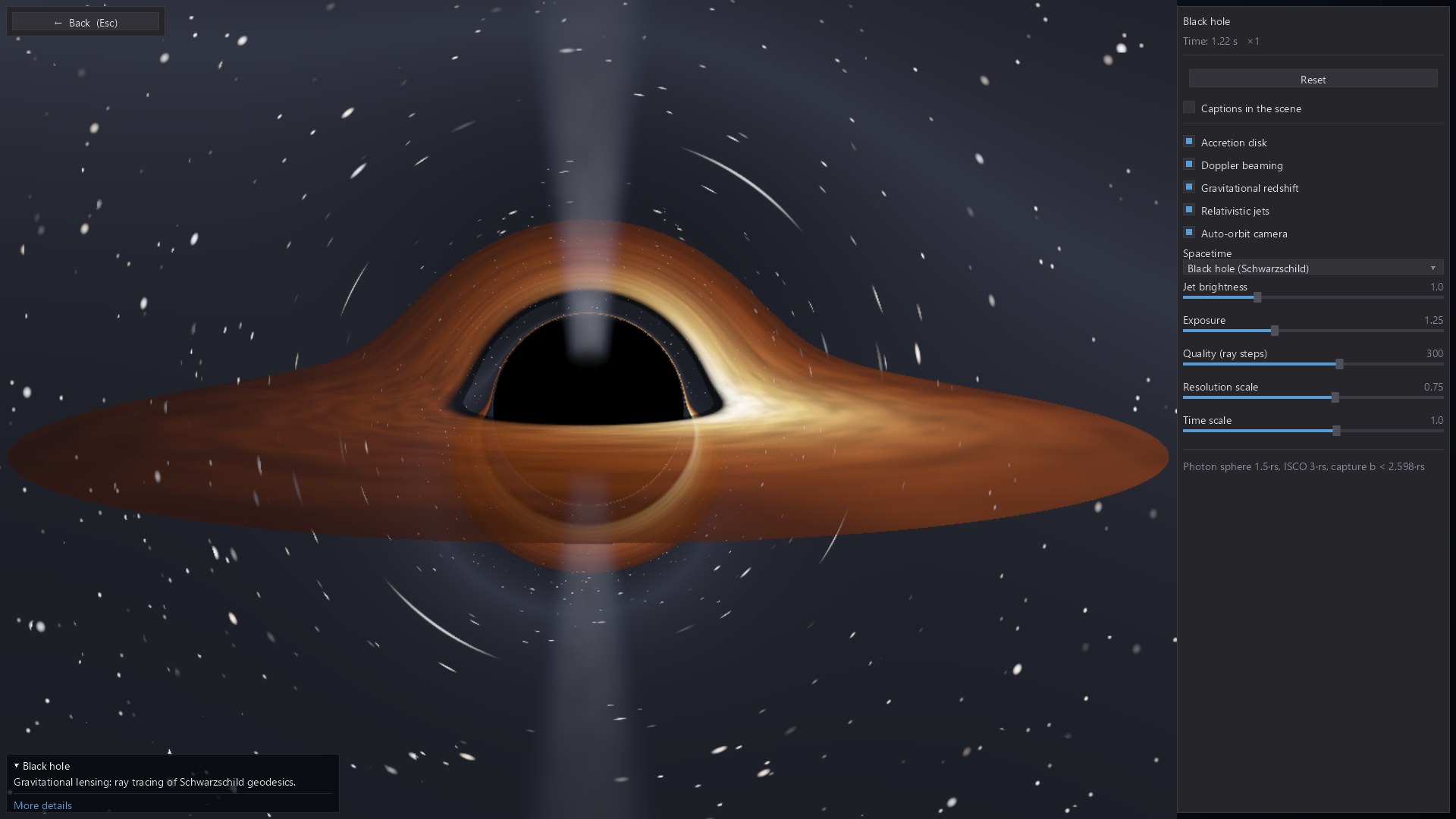
Explore gravitational lensing, an accretion disc and the distorted view of background stars.
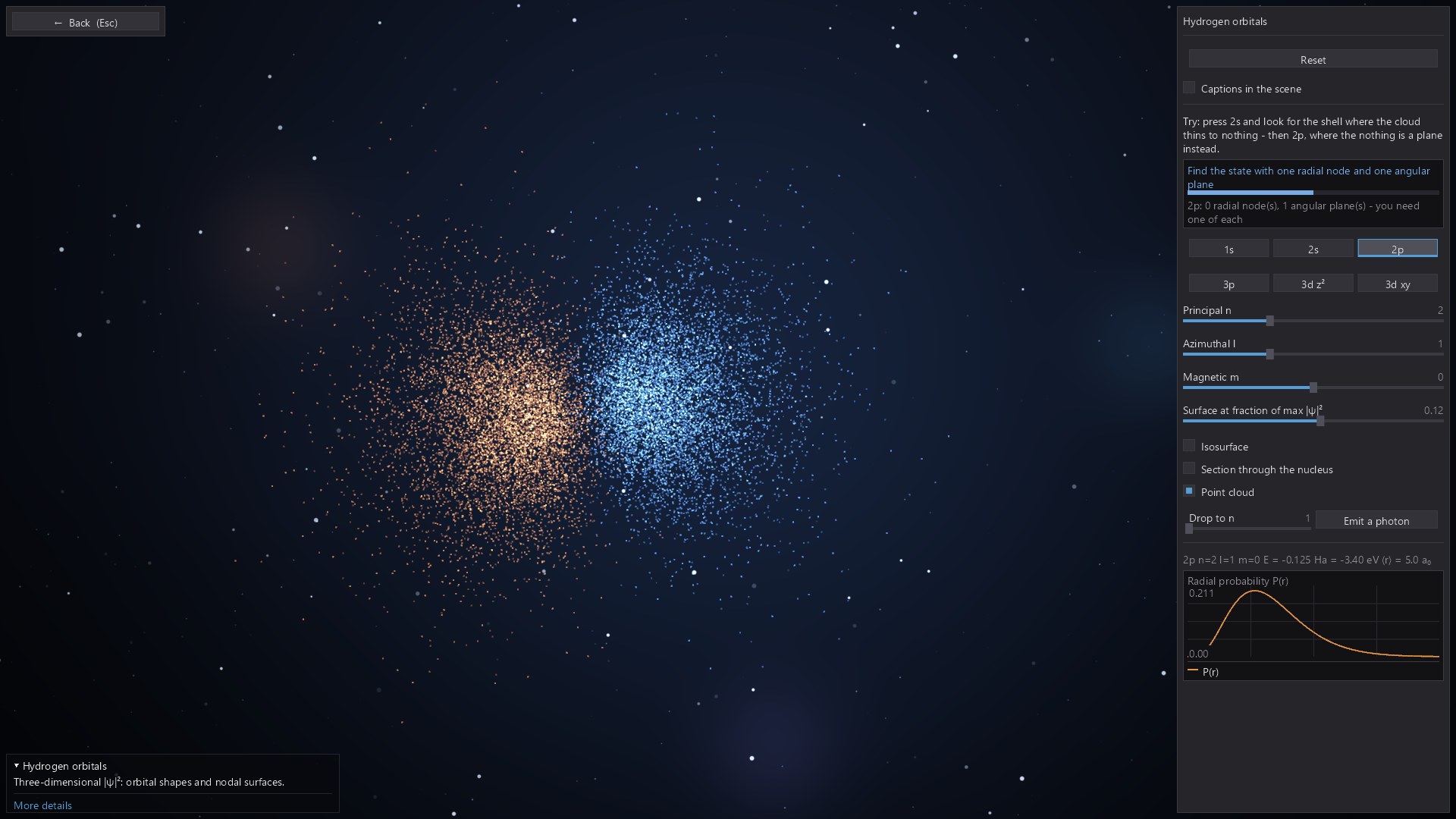
Explore three-dimensional probability distributions and the nodal structure of hydrogen orbitals.
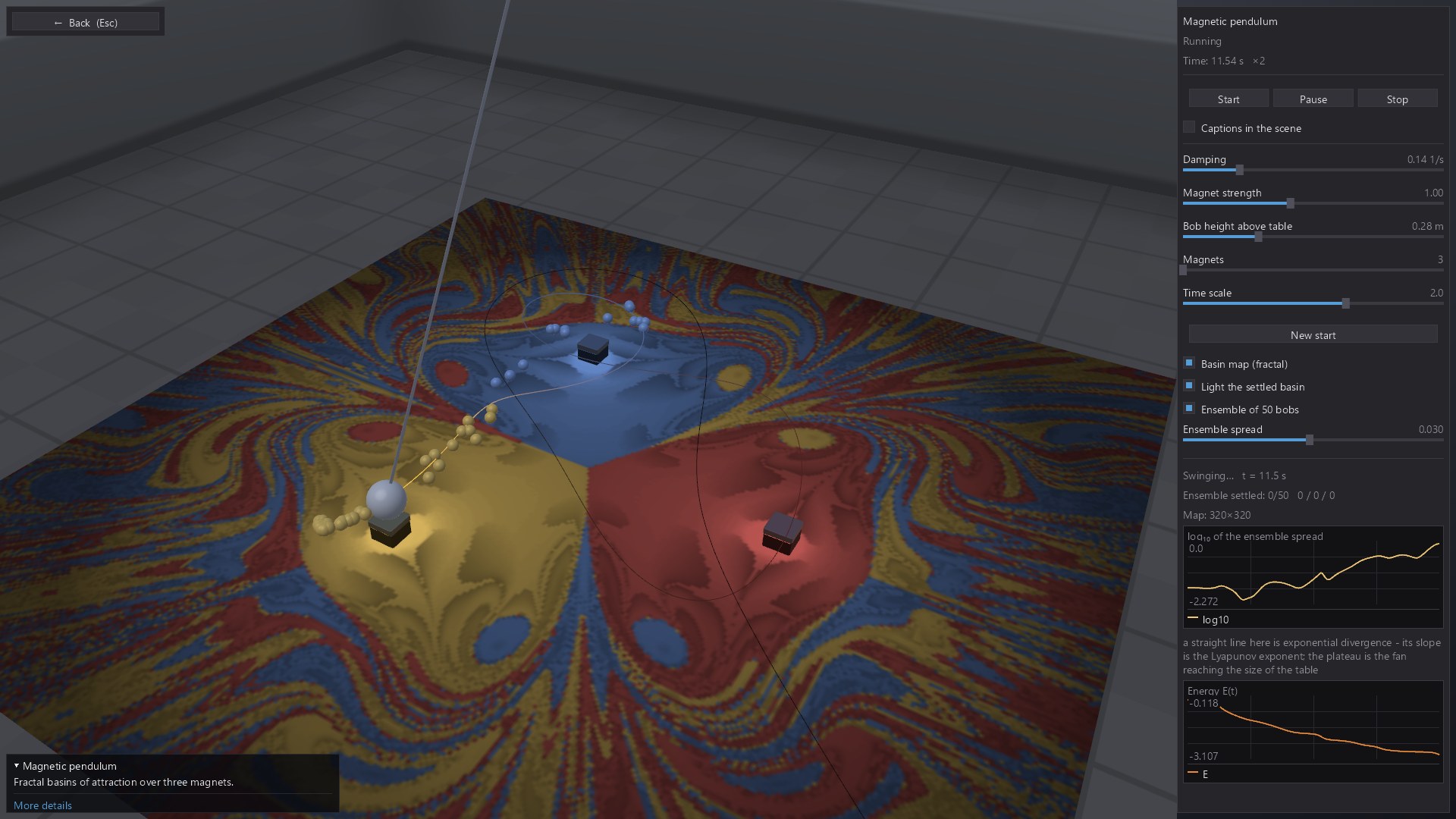
A pendulum, three magnets and intricate basins of attraction: small changes can lead to different destinations.
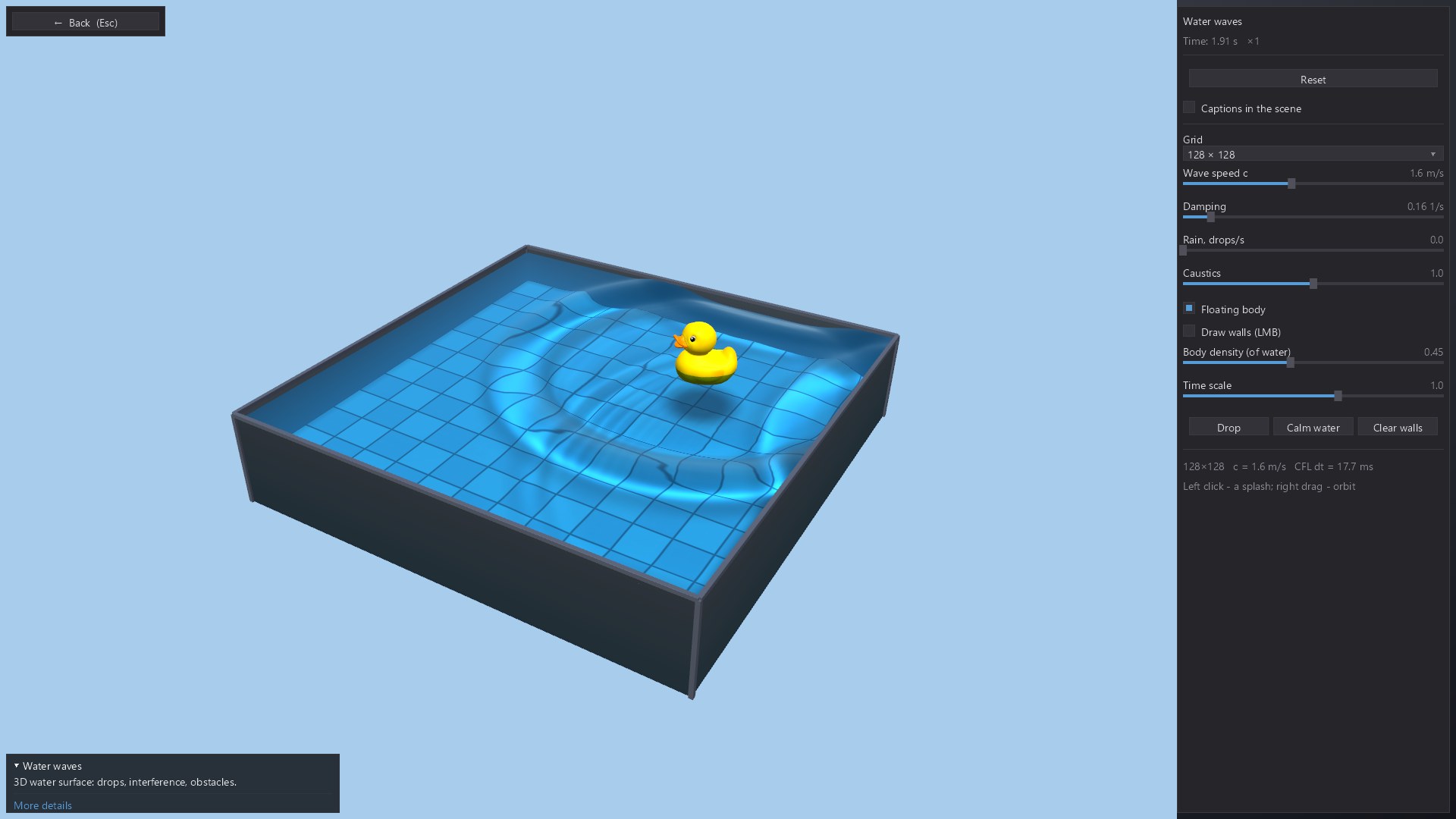
Watch ripples spread across a water surface and experiment with the parameters of the wave model.
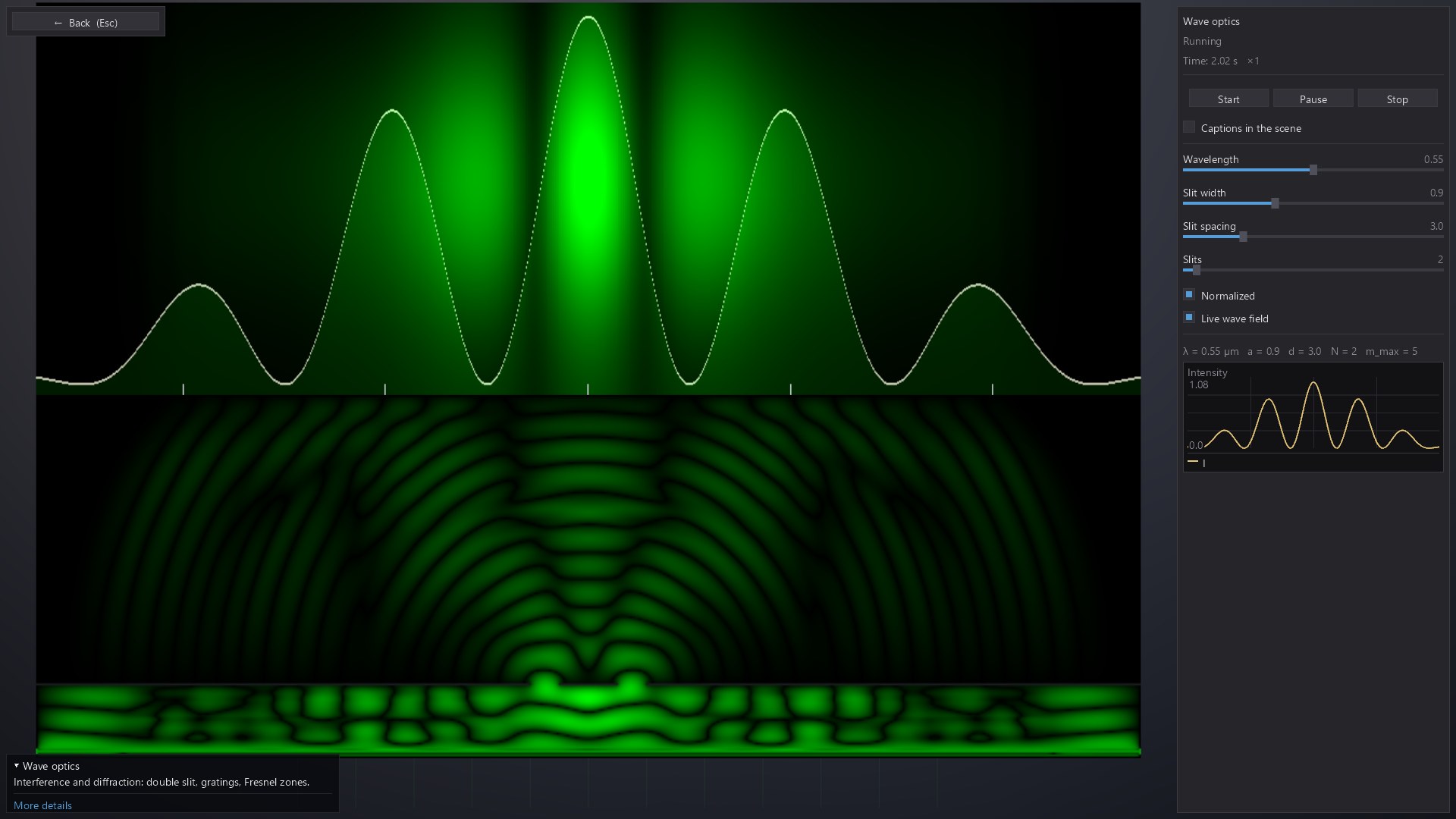
Change the optical setup and compare the wave field with its interference and diffraction pattern.
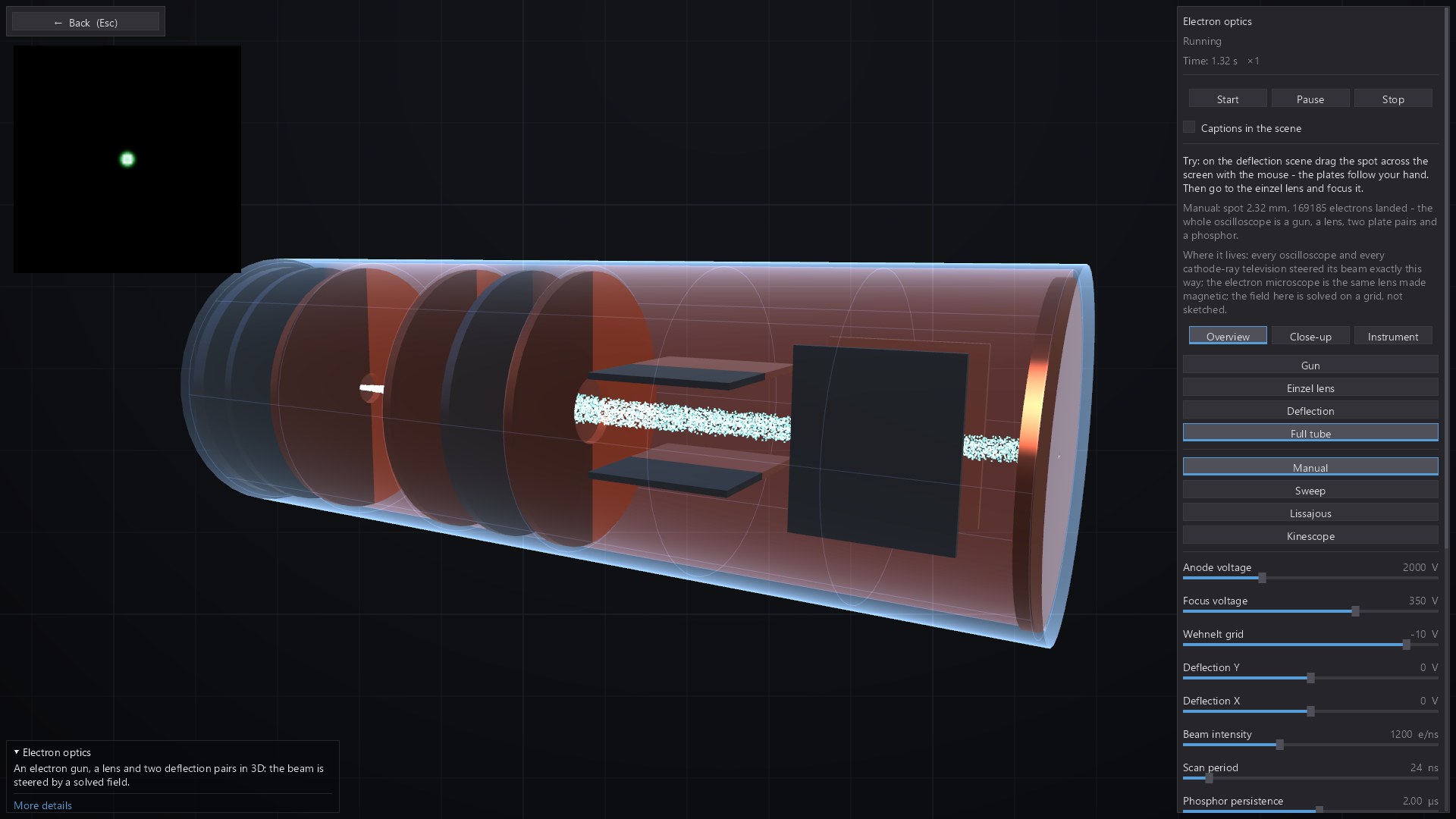
Inspect an electron-optics setup in 3D and explore how fields change particle trajectories.
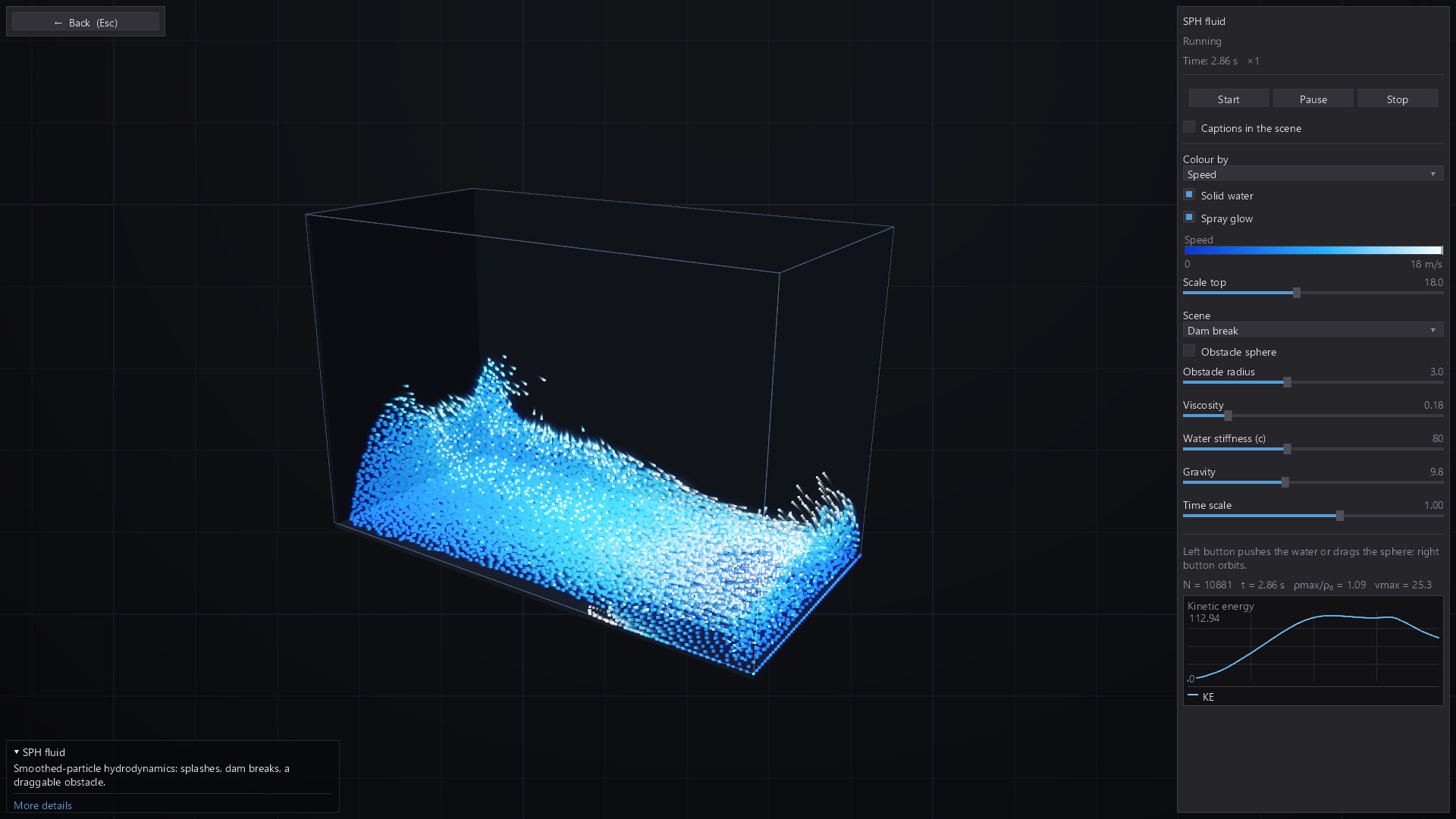
Explore a three-dimensional particle-fluid model and watch its collective motion develop.
02 / Patterns, shapes & proof
120 interactive modules
Visual mathematics you can experiment with: fractals, topology, geometry, calculus, linear algebra, probability, statistics and algorithms. Rotate a surface, change a construction or follow an algorithm one step at a time.
The visuals are a starting point for understanding. Explore how a knot changes, how a shortest path is found, or how numerical precision limits a fractal zoom. Spatial scenes sit alongside plots and diagrams that help make the underlying relationships visible.
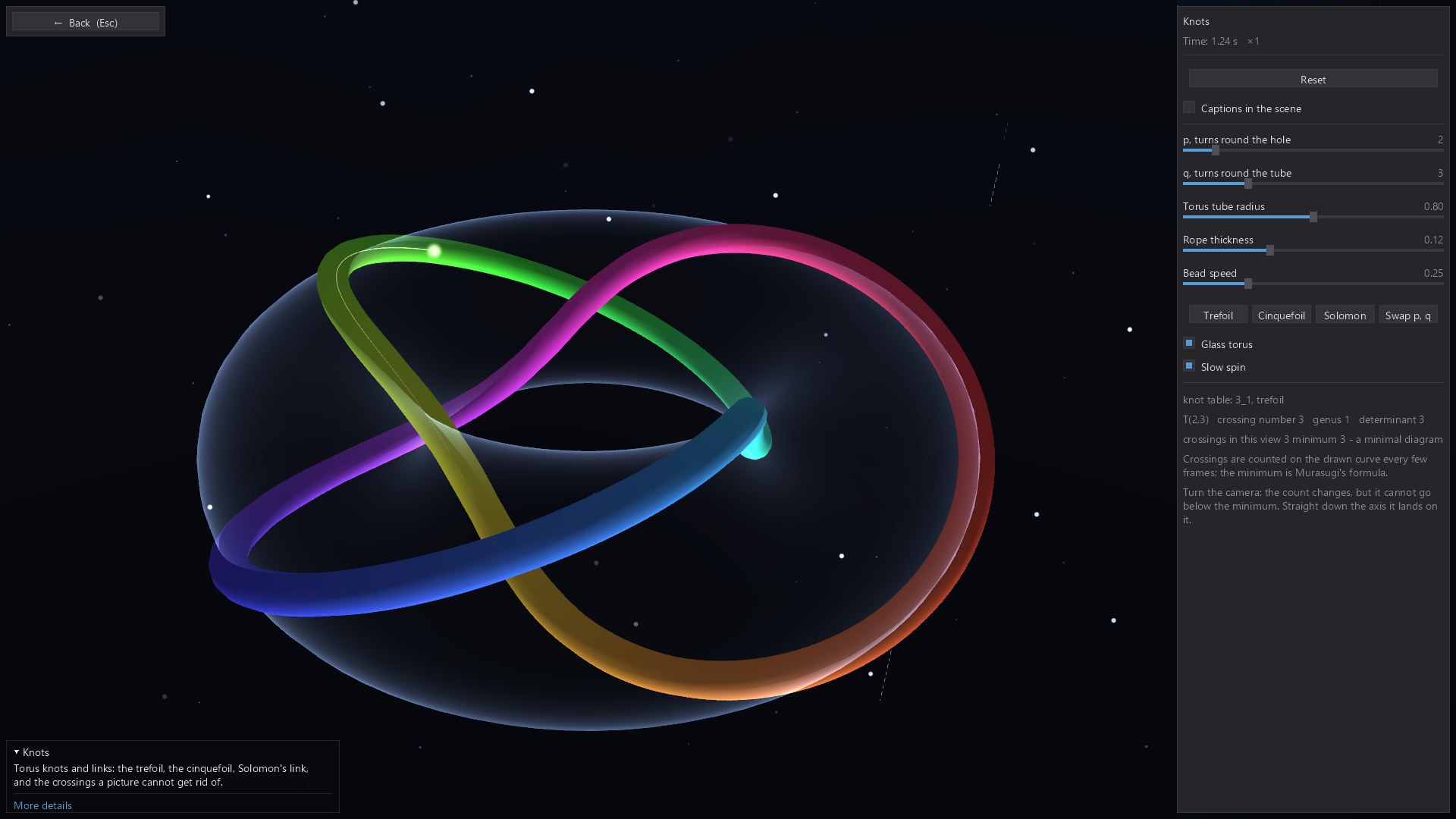
Try the torus knots: change the two winding numbers, then rotate the view to follow the resulting curve.
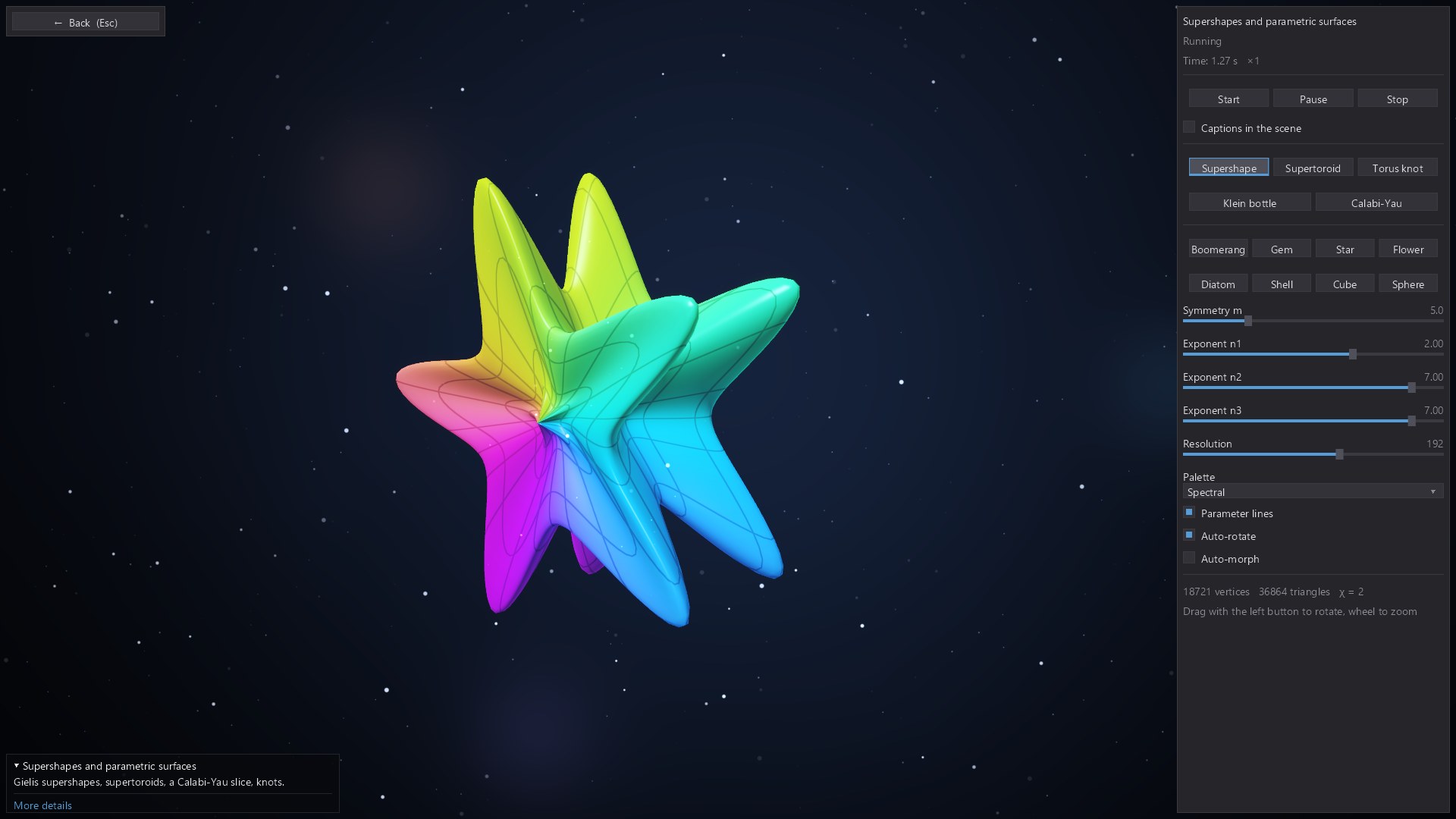
Adjust the parameters of a supershape and explore smooth, spiky and unexpected three-dimensional geometry.
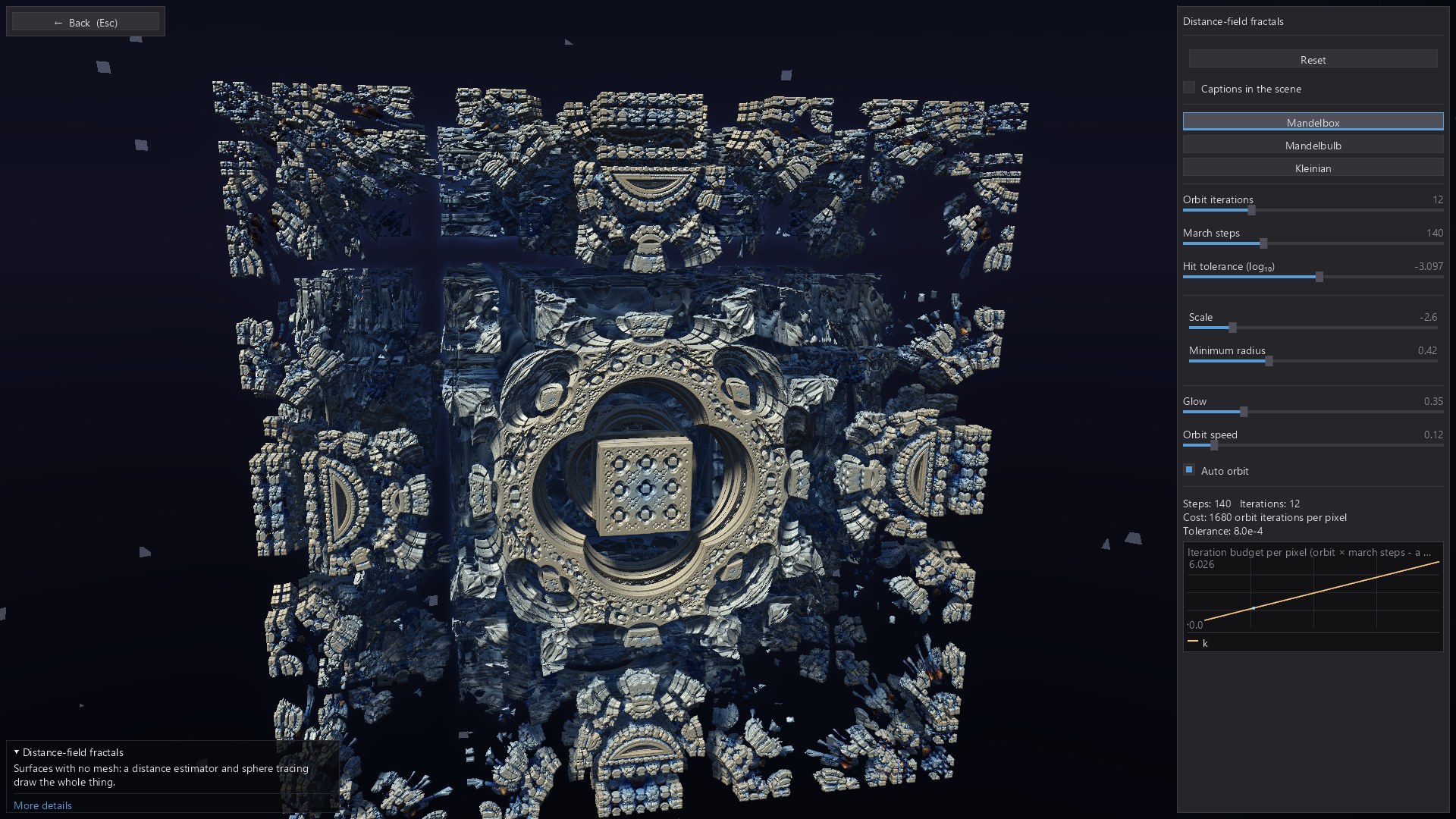
Explore intricate three-dimensional fractals rendered from distance fields.
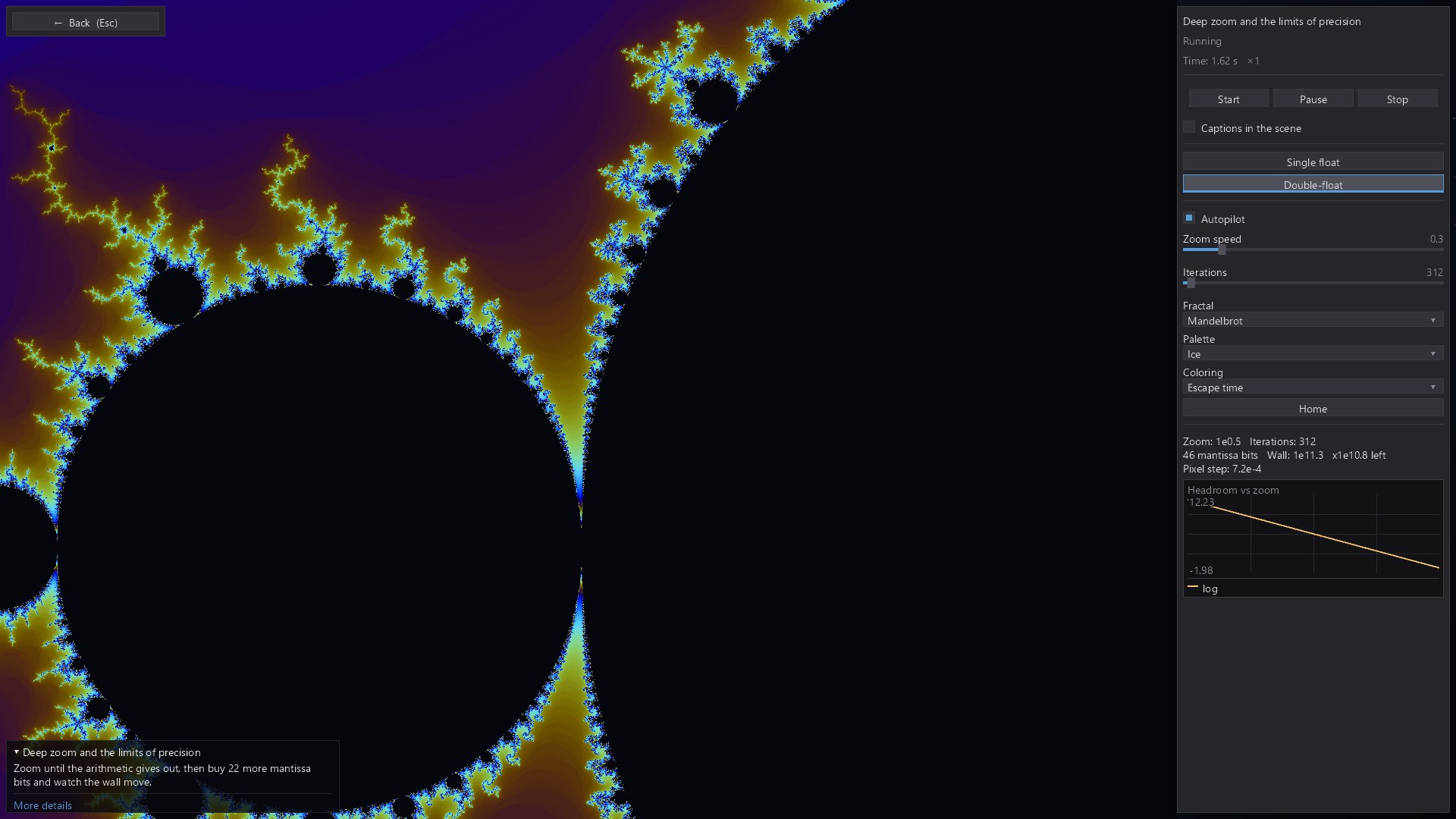
Zoom into the Mandelbrot set and investigate where numerical precision begins to affect the picture.
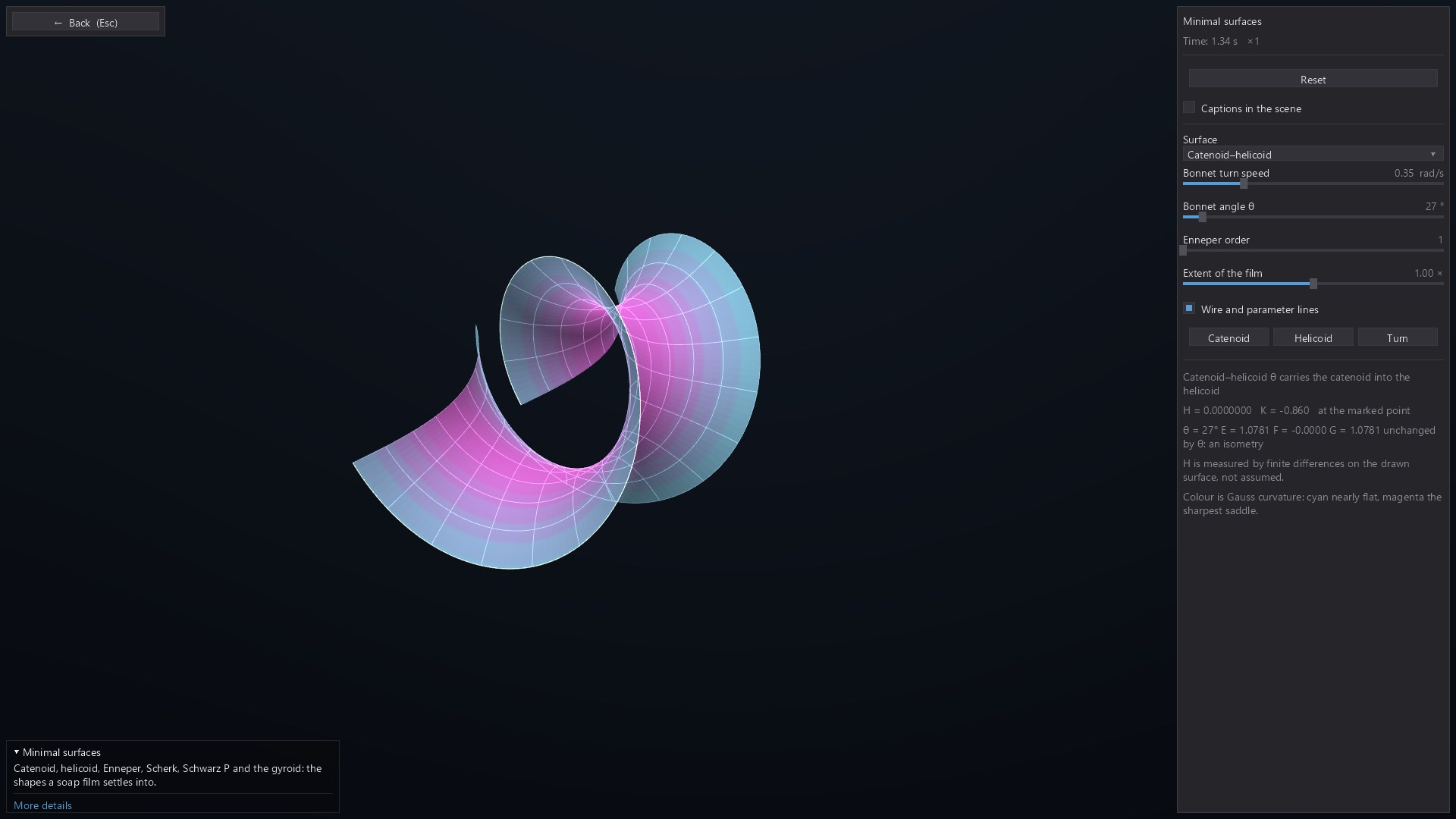
Rotate and examine curved minimal surfaces to connect their local geometry with their overall form.
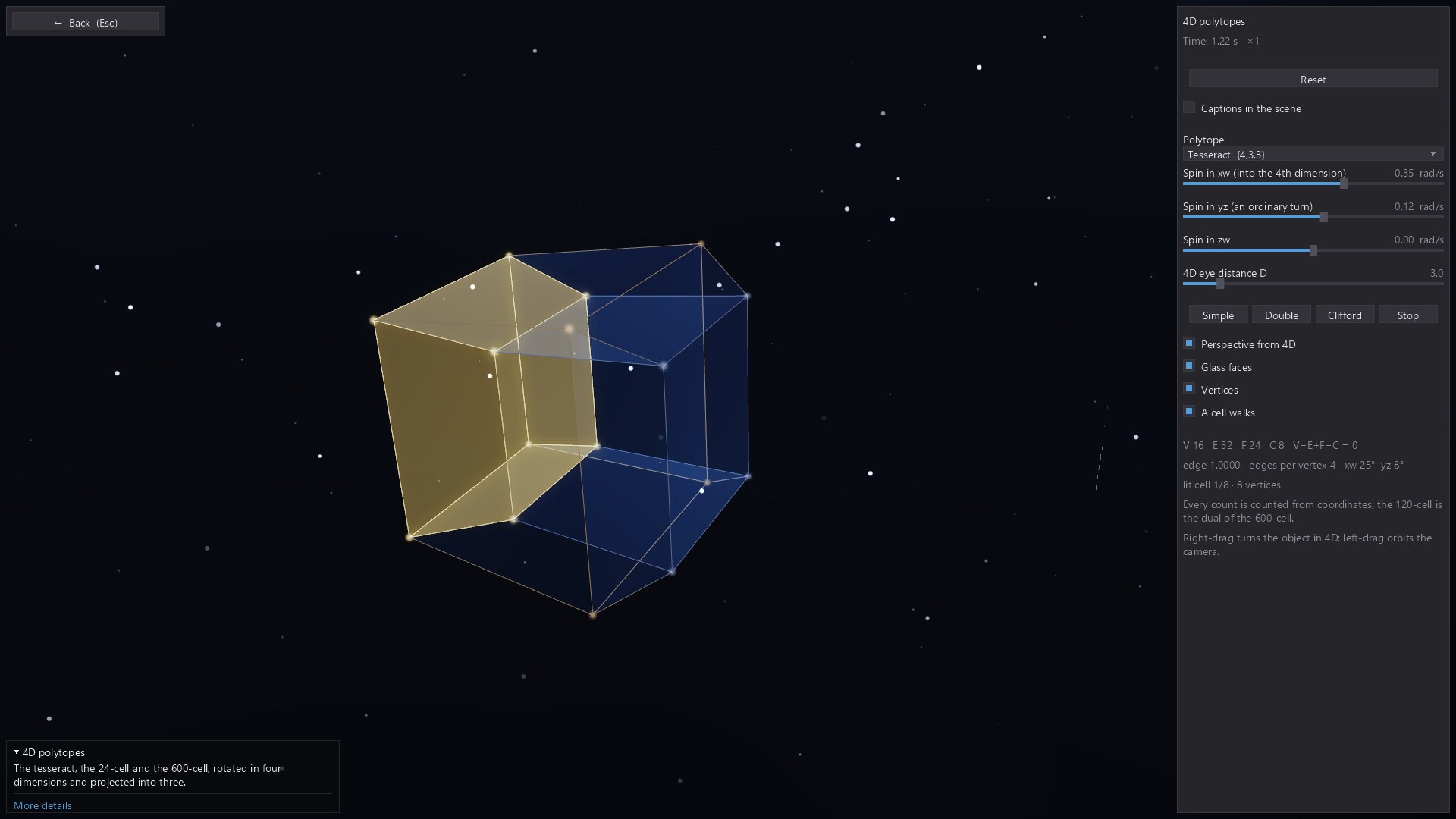
Use a three-dimensional projection to explore the structure of a four-dimensional polytope.
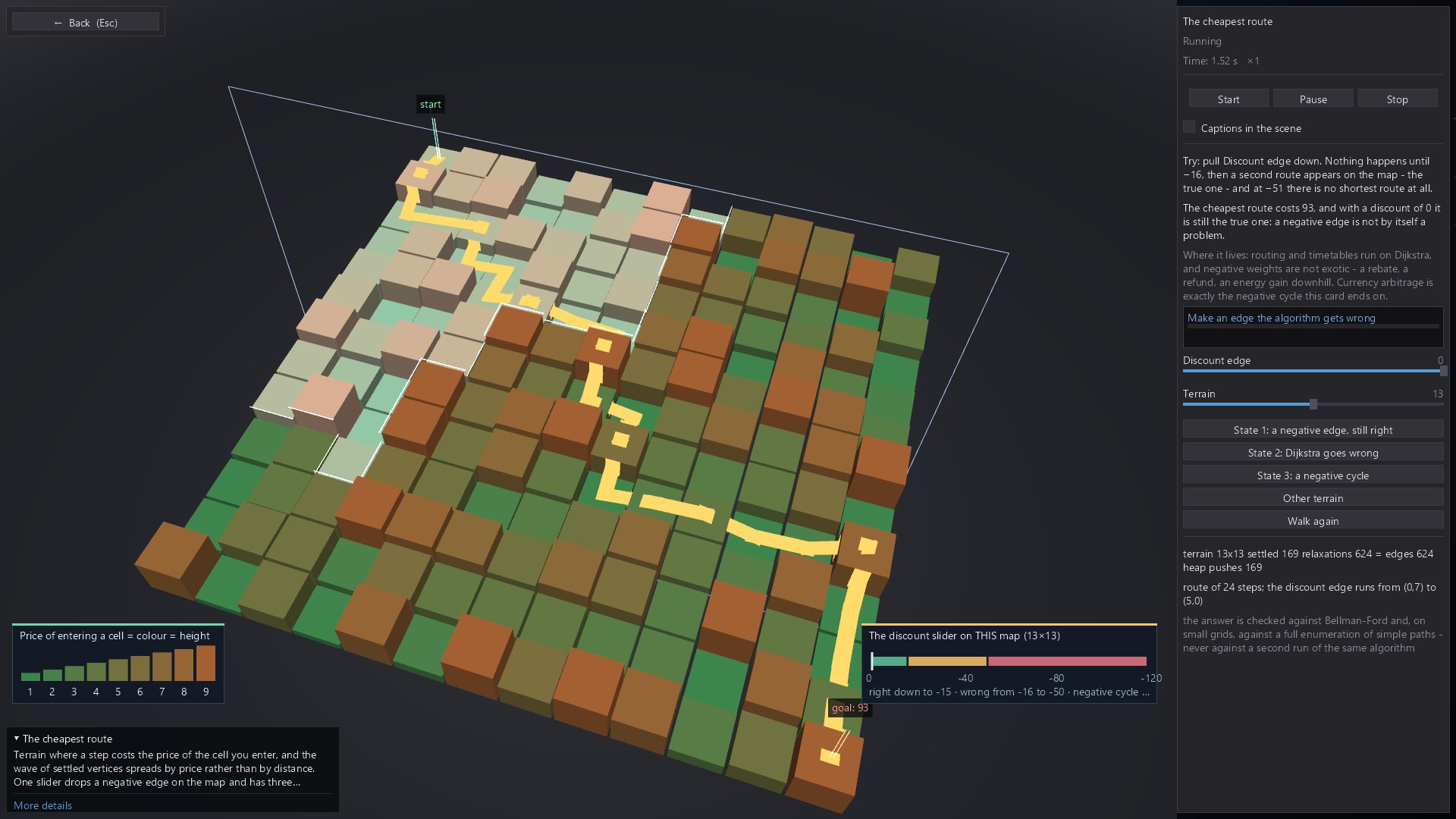
Follow a shortest-path algorithm across a weighted landscape and see the route it discovers.
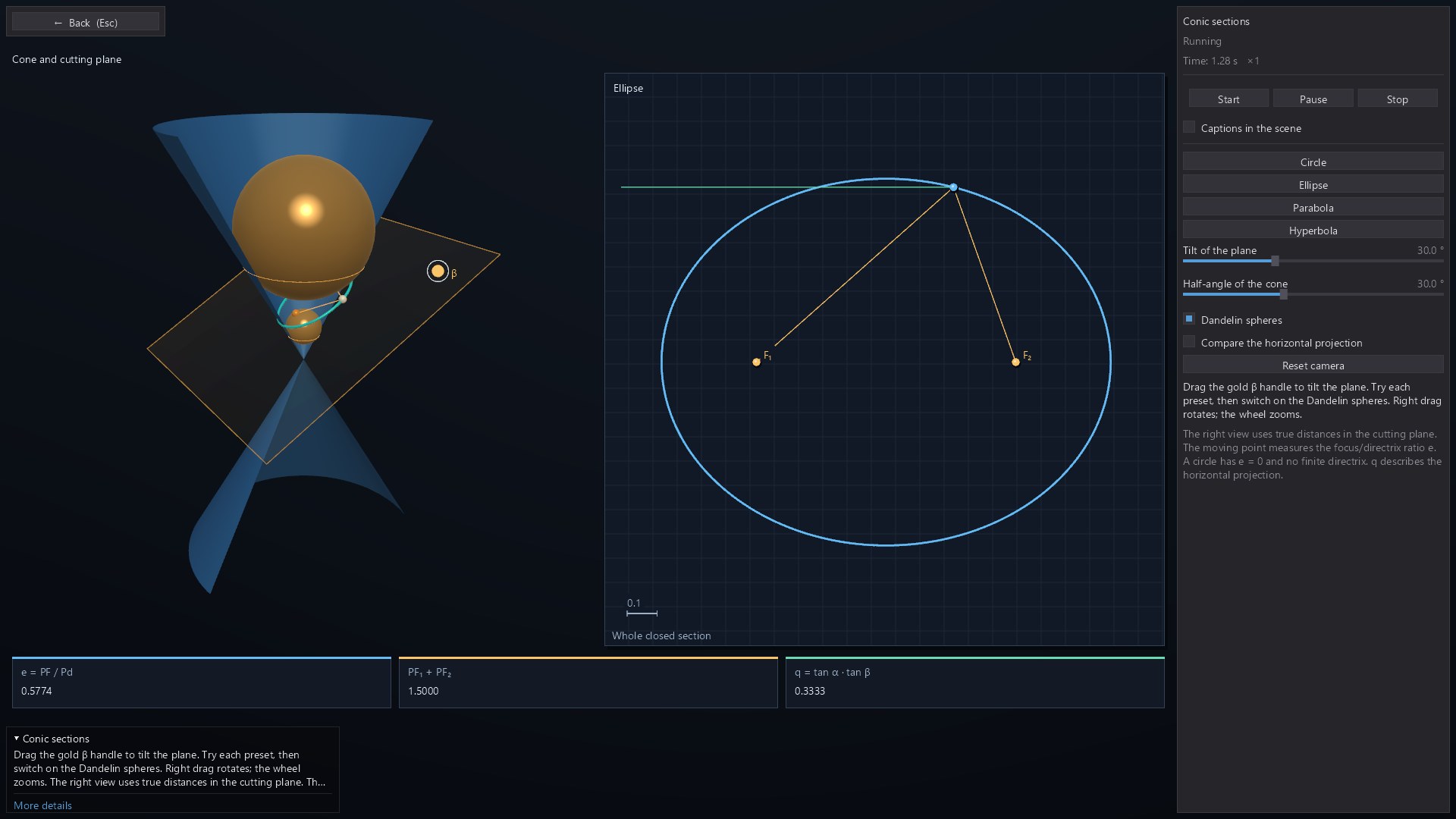
Move a plane through a cone and connect the 3D intersection with its corresponding planar curve.
03 / Beyond our planet
In development32 interactive modules
Explore orbital dynamics, stars, observation and cosmology through interactive astronomy models. Follow ring particles, examine a gravitational lens or investigate the geometry of a pulsar’s beam.
The developing collection connects the view in space with the quantities an observer can measure. Experiment with planetary systems, stellar encounters and light curves, while keeping the assumptions and scale of each model in mind.
A look inside the work in progress. Store links will appear here when the suite is available.
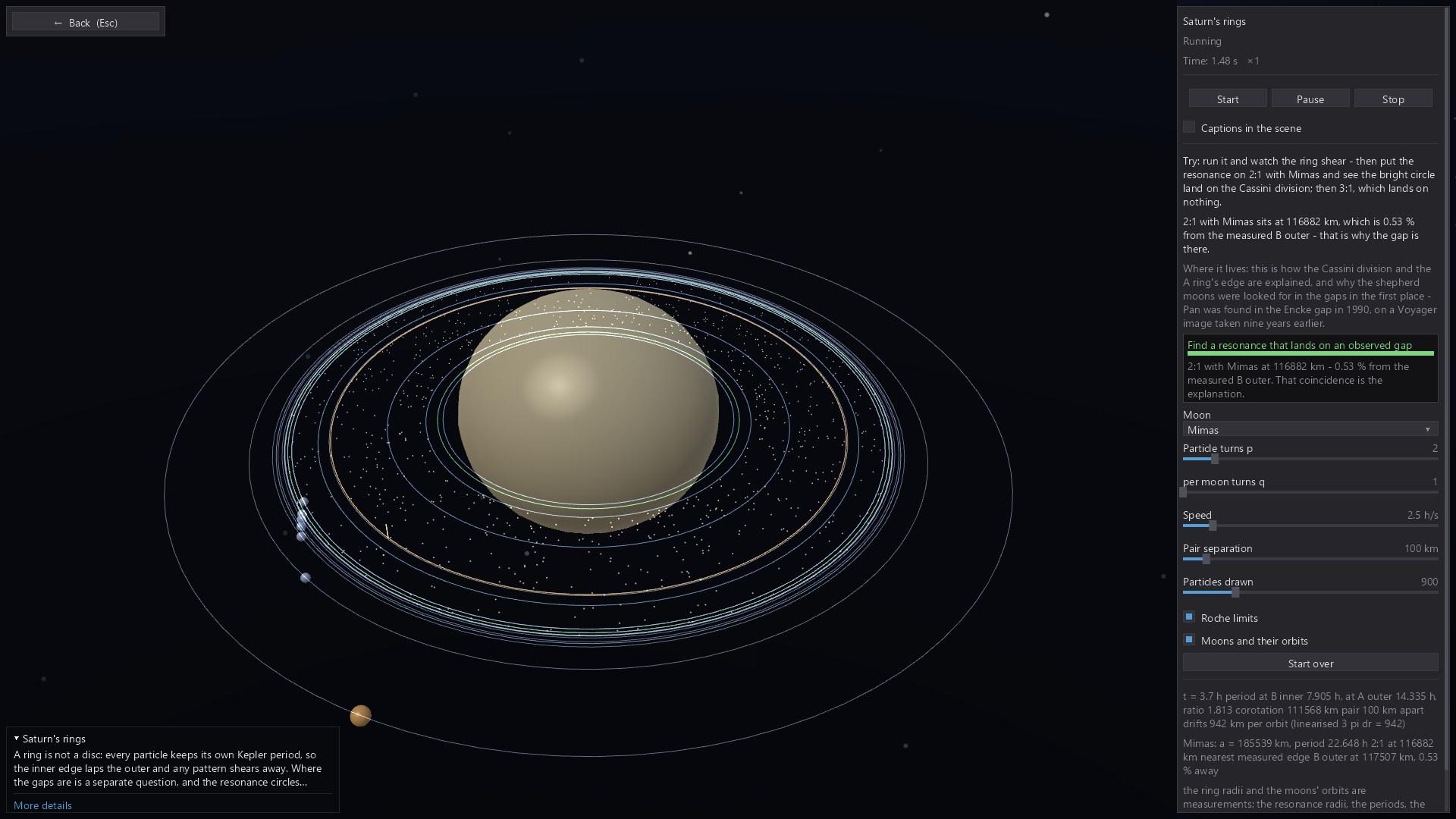
Try Saturn’s rings: compare orbital periods and see how particles at different radii drift apart.
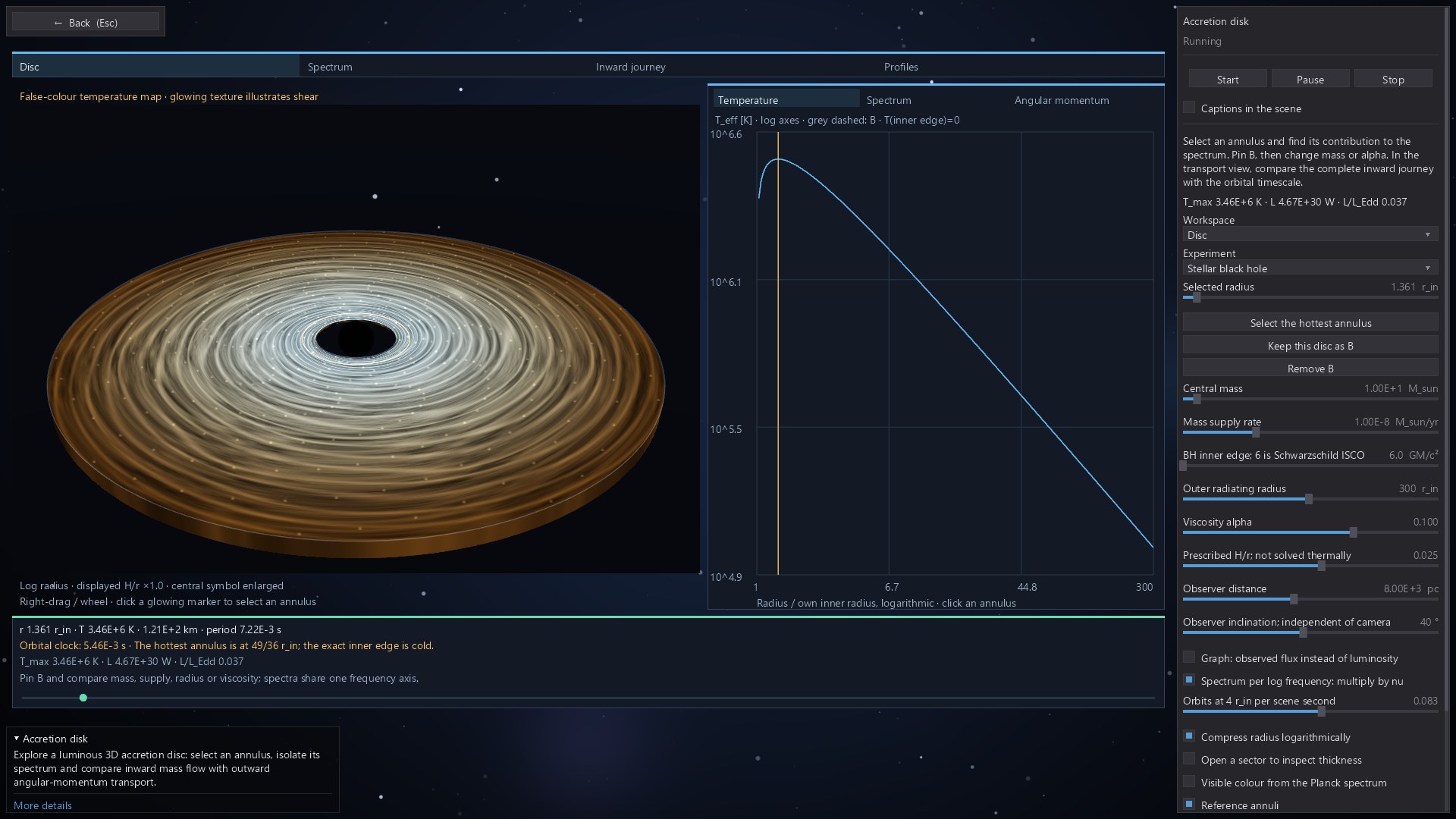
Inspect an accretion-disc model and connect its spiral structure with orbital motion and the accompanying plots.
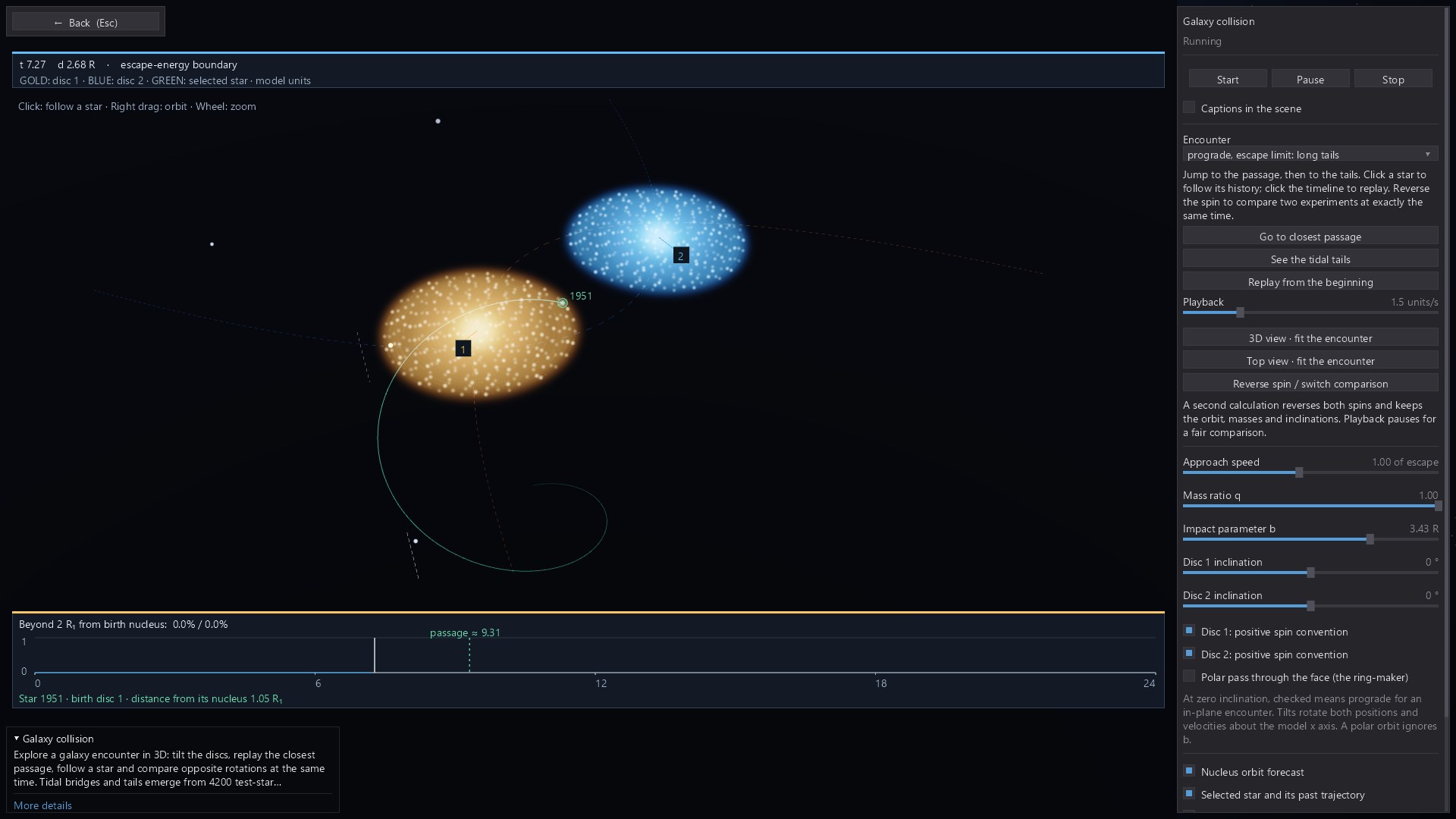
Change the encounter and watch how gravity reshapes two interacting stellar systems.
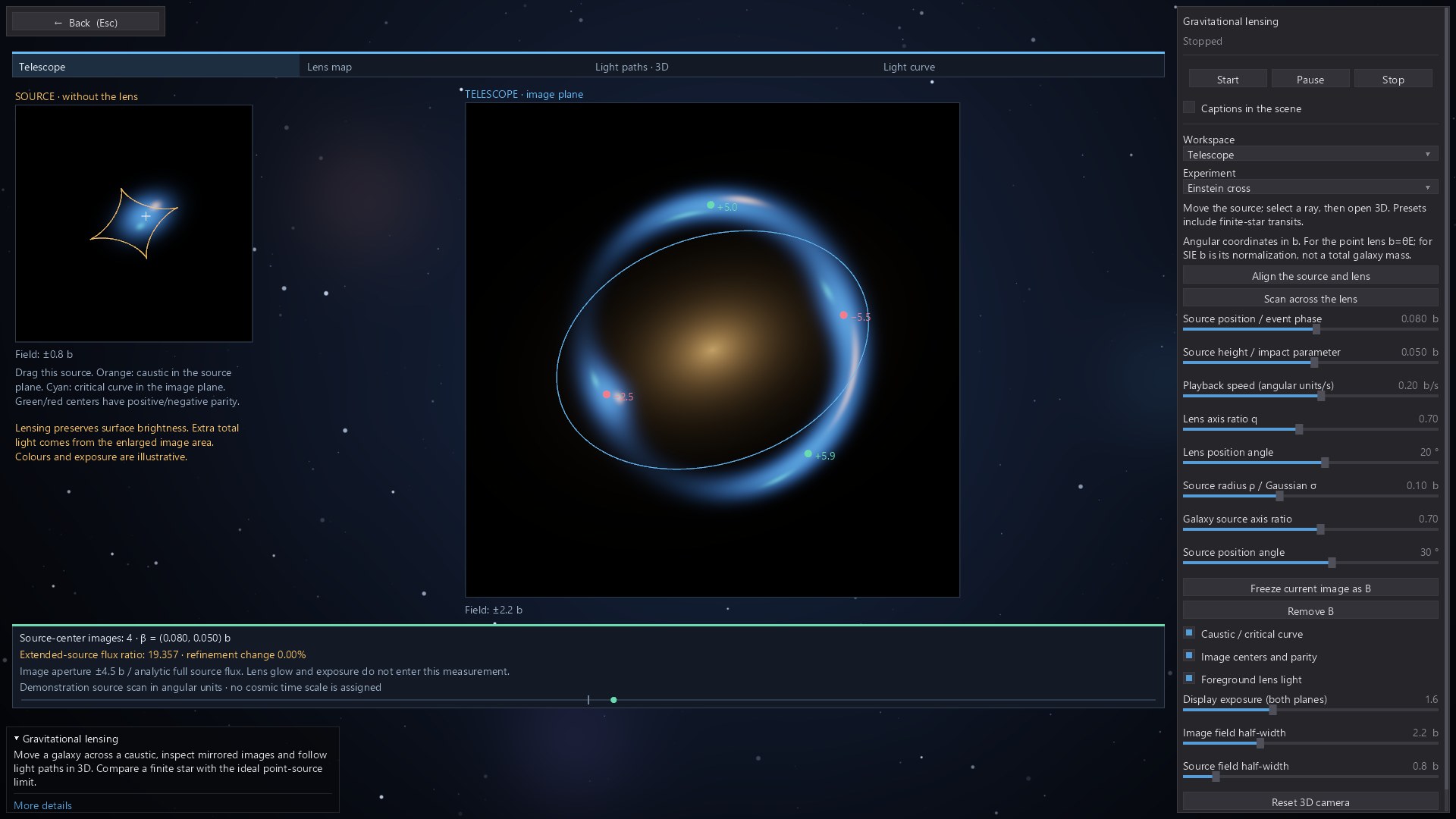
Explore how a lens changes the apparent shape and position of a background source.
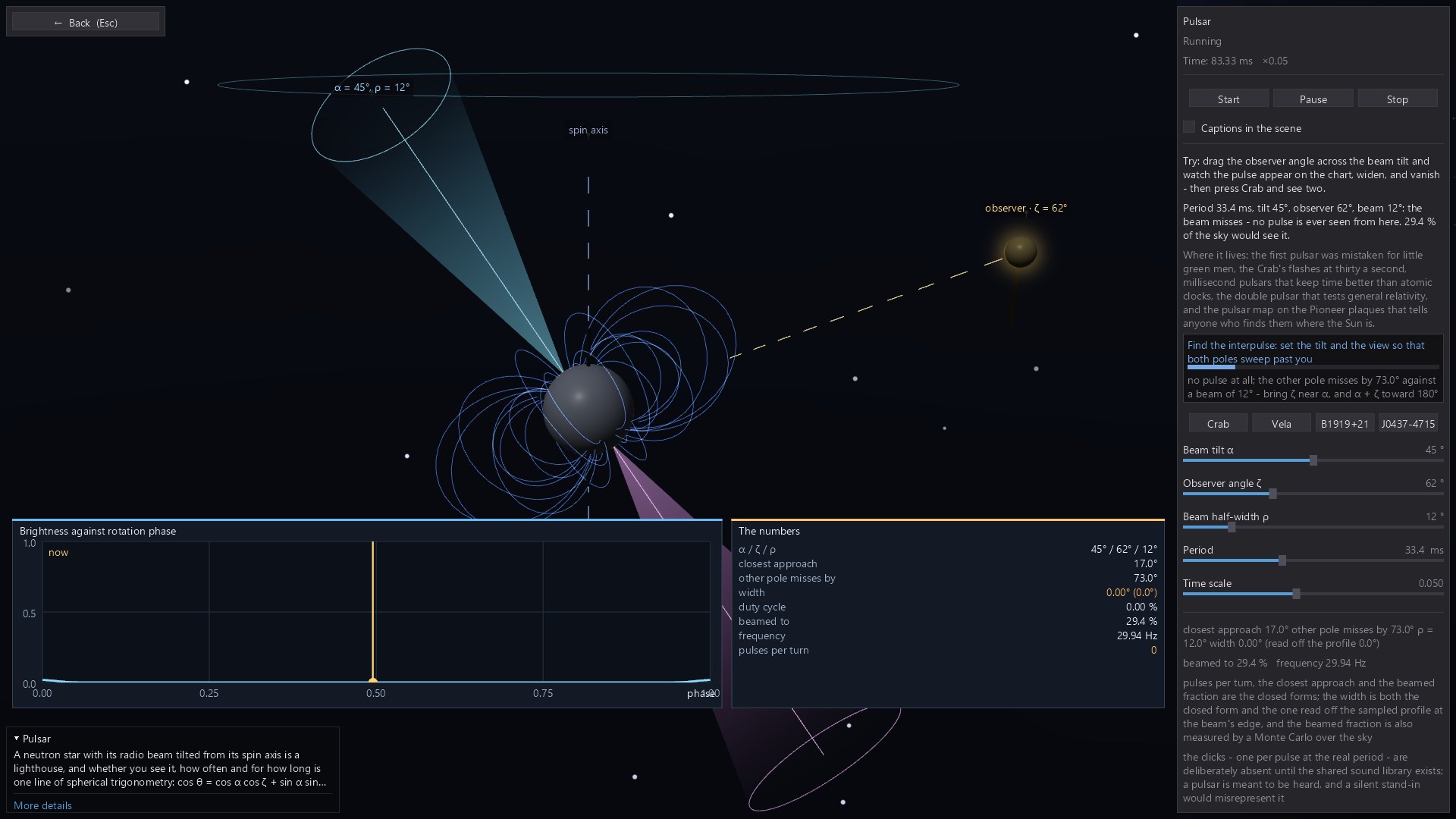
Change the viewing geometry and see how a rotating beam produces the observed pulse.
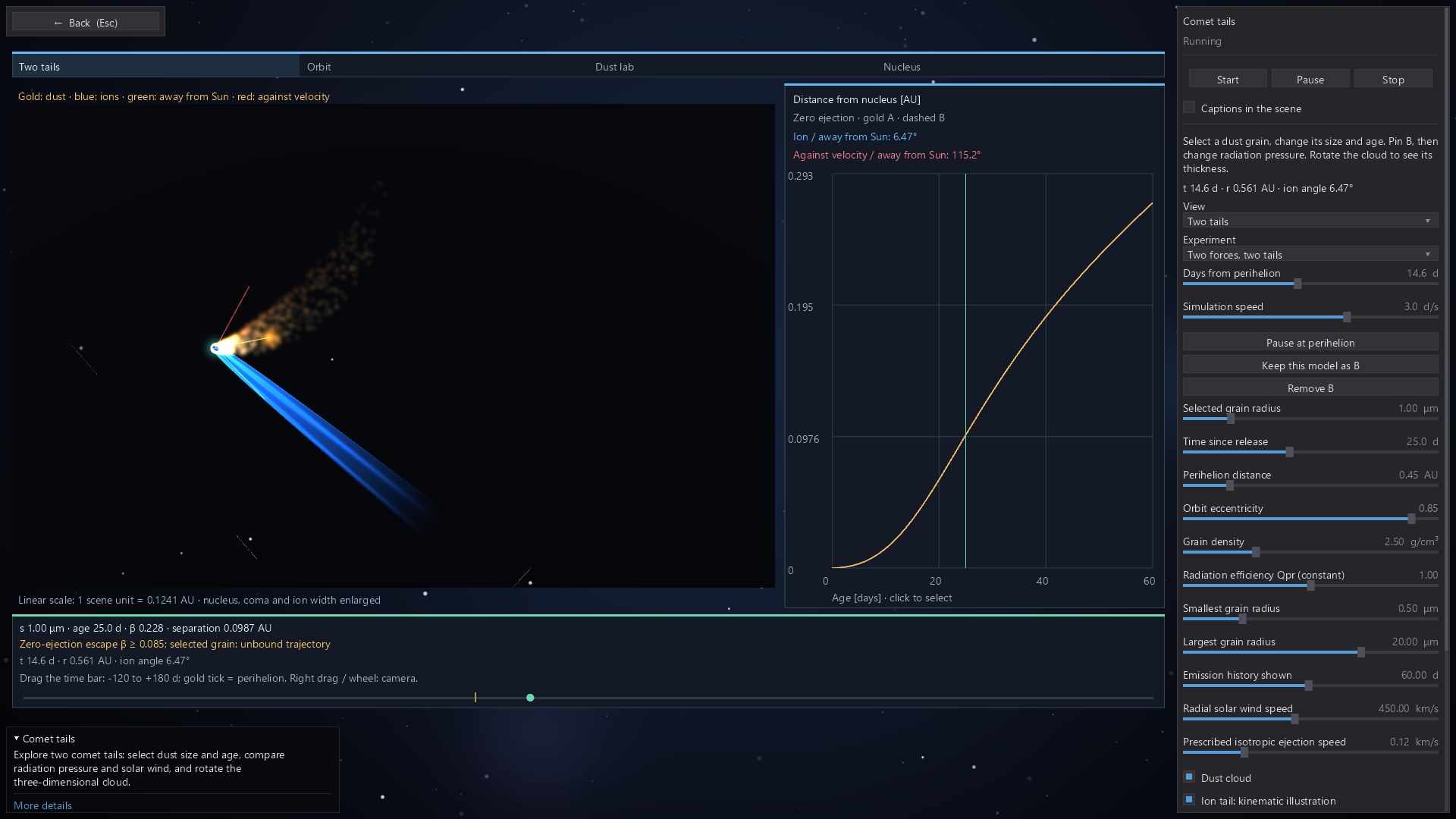
Compare the dust and ion tails of a comet as it travels through its orbit.
Behind the picture
Numerical simulations, geometric constructions and algorithm visualisations respond to your input. Individual modules use different models, approximations and visual scales.
The Windows applications use C#/.NET and OpenGL, with GPU acceleration in selected modules. Rendering requirements vary; check the relevant store page for system requirements.
The suites include 23 interface languages, with translation coverage varying by language. The simulations run locally on your computer.
A few practical things
Makarov Physics Suite and Makarov Math Suite are available for Windows on Steam and Microsoft Store. Makarov Astronomy Suite is in development; the images here show its current development version.
The collections combine interactive 3D scenes with 2D fields, graphs, geometric constructions and step-by-step visualisations. Each topic uses the presentation that suits the idea being explored.
You can explore individual experiments, demonstrate a concept and compare the effect of changing parameters. Many modules include explanations, measurements and suggested experiments to guide further investigation.
The simulations run locally. You need a connection to download and update the applications through your chosen store; store account and licensing requirements apply.
A native Swift and Metal port is in development. The store links on this page are for the released Windows products.
An independent project · Since 2004
I am Mykhailo Makarov, a software developer in Munich. I wrote the first version of this project in 2004, using Delphi and OpenGL for physics lessons. Today I am rebuilding and expanding that idea: give an abstract concept a form you can inspect, change and understand.